Table of Contents
- How to Create Images with AI and Get the Results You Want
- Choosing an AI Image Generation Tool Based on Quality, Cost, and Project Type
- Writing Precise Image Prompts by Describing the Subject, Style, Framing, and Lighting
- Commercial Uses of AI Images and Copyright, Licensing, and Brand Identity Considerations
- Getting Started Checklist: Choosing a Tool, Testing Prompts, and Preparing Images for Publication or Sale
- Frequently Asked Questions
How to Create Images with AI and Get the Results You Want
To create images with AI, first clarify the subject, intended use, and style you want; then describe these details in a precise prompt. For example, instead of “a flower image,” write “a spring blossom branch on a wooden table, morning light, a simple background, and a composition suited to a poster.” Understanding how artificial intelligence works can help you see why clearer descriptions are more likely to produce suitable results. If the image is for a Nowruz promotion or a seasonal occasion, specify colors and visual elements associated with that time of year as well.
After generating the first image, review its composition, subject details, any text, and suitability for the intended publishing dimensions. Rather than changing everything at once, revise one element in the prompt at a time—for example, ask for softer lighting or a less cluttered background. This makes it easier to compare versions and, in a competitive landscape, choose an image that stands out and suits your audience. If the tool can generate multiple versions, create several options and choose the best one based on its intended use. Oxalis is also available for information about related IT services.
Choosing an AI Image Generation Tool Based on Quality, Cost, and Project Type
Output Quality and the True Cost
Evaluate a suitable tool using a sample close to your intended use, not the promotional image on its product page. For a seasonal sales poster, readable Persian text, preserved product details, and the ability to edit parts of the image matter; for a conceptual image, generation speed and stylistic variety may be higher priorities. Try the same prompt in several tools and review the results at their intended publishing size, since issues such as distorted hands or illegible text can be easy to miss in a small preview.
Also assess cost based on more than the monthly subscription: consider the number of credits used, resolution limits, watermarks, and the time required for revisions. If each image takes several attempts to generate, a cheaper option may end up costing more in practice. You can also consult this guide to creating images with AI to learn about considerations involved in the process. For teams that generate images as part of recurring workflows, exploring workflow automation can help them weigh tool costs against staff time.
Matching the Tool to the Project Type
For social media content, prioritize tools that support common aspect ratios and offer quick editing; for product advertising, control over lighting and backgrounds, as well as consistency across multiple outputs, matters more. If the image needs to align with your organization’s visual identity, test the ability to use image references and make iterative edits. Examples related to creating Instagram content with AI can help you understand the needs of this format.
For sensitive projects, check commercial usage rights, input data retention policies, and image deletion options before purchasing; terms vary across tools. Also, for recurring requests, define a standard prompt and a few acceptance criteria so team members assess outputs consistently rather than according to personal taste. If you need to connect image generation to organizational workflows, an enterprise AI assistant may be worth exploring separately. You can also follow the relevant links to learn about Oxalis or request advice about your project needs.
Writing Precise Image Prompts by Describing the Subject, Style, Framing, and Lighting
To get a usable image, divide the prompt into four clear components: subject, style, framing, and lighting. Instead of “a beautiful portrait,” write “a waist-up portrait of a middle-aged potter with clay-stained hands in a small workshop.” Details such as approximate age, facial expression, clothing, and surroundings reduce ambiguity for the model. When creating images with AI, each descriptor should specify something; avoid combining contradictory terms such as “realistic and cartoonish” unless you have a specific combination in mind.
Make the Subject and Style Easy to Visualize
Describe the style through visual characteristics, not just a broad label. For example, “children’s book illustration with watercolor texture, soft edges, and a limited color palette” is more precise than “artistic.” If you need a fictional reference, the look of the characters and setting in the film How to Build a Better Boy can be a starting point for your description, rather than a substitute for prompt details. Then specify whether the image is for a poster, a web page, or social media so the aspect ratio and negative space can be chosen appropriately.
Describe Framing and Lighting in Visual Terms
Describe the framing by specifying the camera position and the area around the subject; for example, “close-up, eye-level angle, subject in the right third, uncluttered background.” Lighting instructions should specify the source and its effect: “window light from the left, soft shadow on the cheek, slightly dark background.” These instructions are also useful for seasonal advertising; you can add colors and visual cues associated with spring without cluttering the frame with decorations.
Change only one or two variables at a time; for example, adjust the framing first, then the light intensity. This makes it easier to compare versions and identify which phrase changed the result. For projects where the image is part of a business’s online presence, alignment with corporate website design matters. When evaluating multiple outputs, you can also record criteria such as subject clarity, text legibility, and audience suitability—an approach closely related to data analysis for decision-making.
Essential Terms for AI Image Generation
- Image prompt
- A text description of the subject, style, and image details used to guide the tool
- Negative prompt
- A description of elements that should not appear in the generated image
- Aspect ratio
- The relationship between an image’s width and height, such as a square or vertical frame
- Random seed
- A value that affects the variety of the result and can be used to reproduce it
- Inpainting
- Editing or regenerating part of an image without changing all of it
Commercial Uses of AI Images and Copyright, Licensing, and Brand Identity Considerations
Commercial Use with Rights and Brand Identity in Mind
Creating images with AI can speed up image production for ads, packaging, and social media content, especially when several versions of a campaign are needed for seasonal occasions. However, before publishing or selling an image, review the tool’s licensing terms: permission for commercial use, redistribution restrictions, and rules concerning outputs can vary between services. Keep a record of the terms and their effective date so you can later verify the basis for publication. Also, a platform allowing an output does not, by itself, guarantee that every use is risk-free. Avoid uploading photos of people, copyrighted works, or trademarks without permission, and review the output for resemblance to existing characters, logos, and images. Laws and the level of protection for works created with automated tools depend on the country and the circumstances of the work; for a costly campaign or large-scale packaging, advice from a local legal professional can help resolve uncertainty. Learning about applications of artificial intelligence can also help you understand where images fit in a business process. To preserve brand identity, document colors, lighting, composition, and visual tone in a brief guide, then check outputs against it before publishing. For an online store, product images should match actual inventory and specifications; planning for this alignment is important in store inventory management. An appealing but inaccurate image can mislead customer expectations. In a competitive market, prepare a single image in sizes and crops suited to different channels, but do not alter product details. If you use a conversational tool to brainstorm ideas or draft campaign descriptions, keep it separate from the legal and visual approval process; the distinction between its applications becomes clearer with AI chatbots. Final human review remains essential, especially before publishing a paid ad.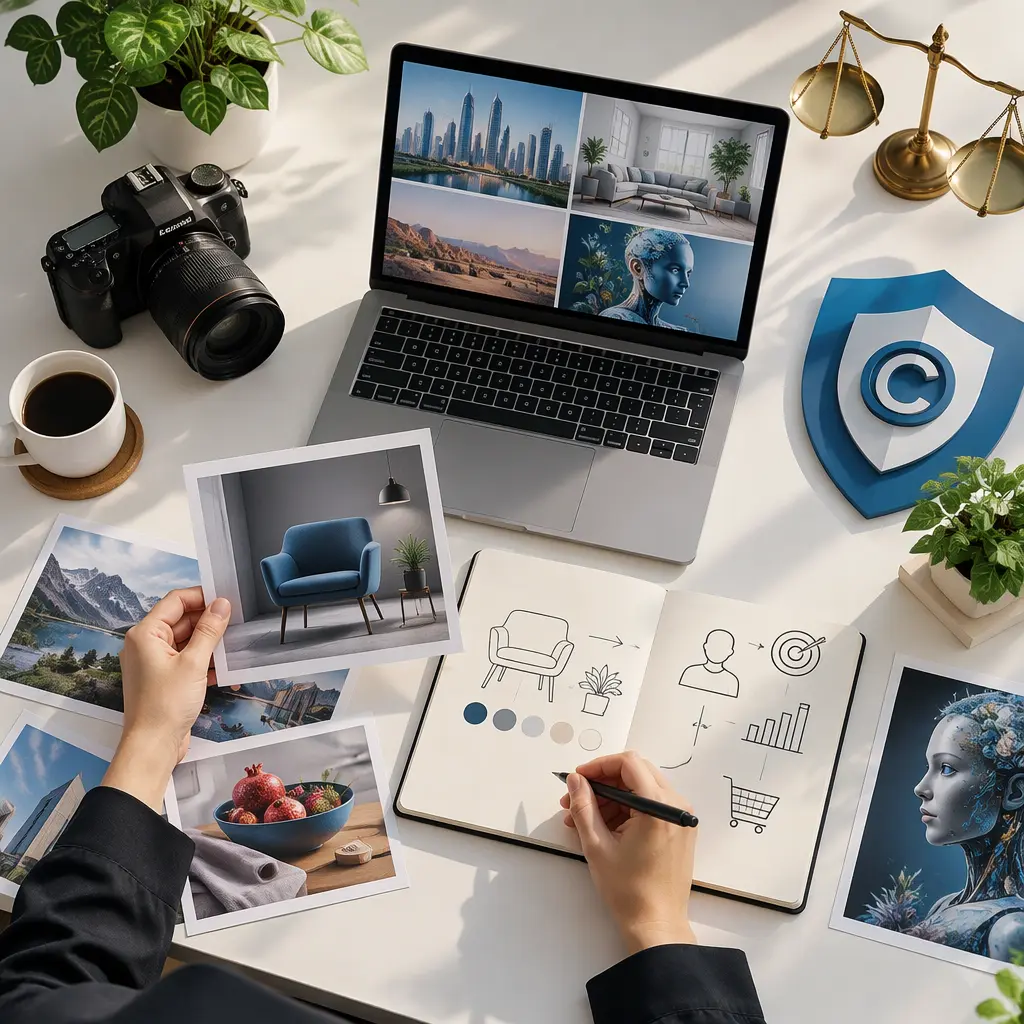
Getting Started Checklist: Choosing a Tool, Testing Prompts, and Preparing Images for Publication or Sale
To get started, choose a tool based on your intended use: rapid idea generation, product image creation, or advertising content design. Check that its output fits the required publishing dimensions and format, and that commercial use is permitted under the service’s terms. When creating images with AI, also assess the tool’s actual sample outputs; flashy promotional images do not necessarily represent typical results.
Write your prompt with the subject, style, viewing angle, lighting, background, and aspect ratio, and change only one or two elements at a time. For example, instead of “a shoe photo,” write “a walking shoe on a light-colored stone surface, soft natural light, three-quarter view, uncluttered background.” Generate several outputs and compare details such as product shape, illegible text, fingers, and inconsistent shadows; keeping a record of prompt versions makes it easier to refine the result.
Before publishing or selling, review the image at its final size, leave safe space for text, and check the colors on different displays. In a competitive market, the image should align with your brand identity and be clearly differentiated from competitors’ photos; for a seasonal campaign, choose symbols and colors suited to the occasion rather than adding decoration for its own sake. Check the tool’s license, whether you need to disclose that the image is AI-generated, and any resemblance to a brand or real person. If the commercial production process is complex, contact Oxalis for advice about your project needs.
Frequently Asked Questions
How do you create images with AI?
Enter a text description of the image you want into an AI image generation tool, then choose a style or image size. The tool generates an image based on your prompt, and you can usually improve the result by editing the prompt.
What tools are available for creating images with AI?
Tools such as Midjourney, DALL·E, Adobe Firefly, and Stable Diffusion can generate images from text. Their features, costs, and terms for commercial use vary.
How do you write a good image-generation prompt?
Clearly and precisely describe the subject, setting, artistic style, lighting, viewing angle, and important details. To get better results, refine the prompt step by step and avoid vague phrases.
Can AI-generated images be used commercially?
This depends on the laws and licenses governing the tool you use; review the service’s terms before using an image commercially. Also make sure the image does not infringe on others’ intellectual property rights or privacy.
What are the commercial uses of AI-generated images?
Businesses can use these images for advertising, social media content, product ideation, and preliminary designs. It is best to check the image quality and its alignment with the brand identity before publishing.